As an Amazon Associate, this website earns from qualifying purchases.
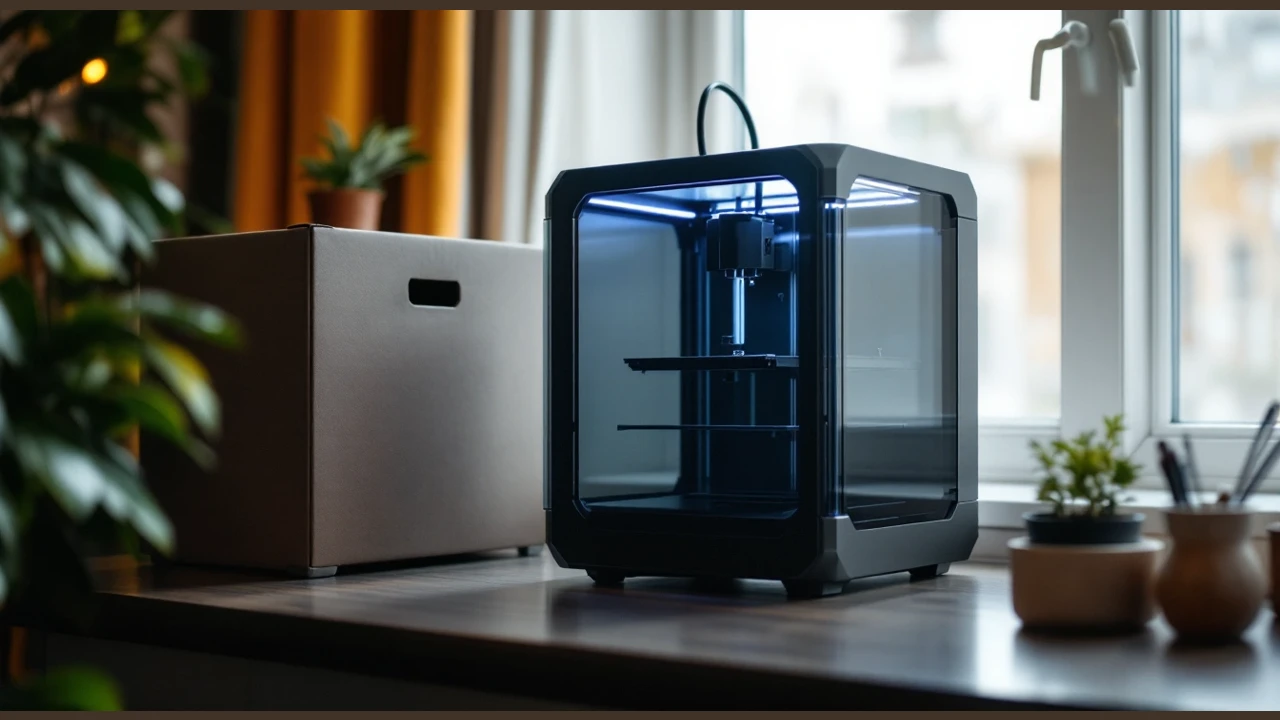
The best 3D printer for beginners depends on the first part you want to make. Our picks cover a larger build space, a small lamp-project bundle and a CoreXY option with detachable nozzles. All are filament printers. Read the exact bundle details before you choose; a shared model name does not make two offers the same.
Use this list to narrow a buying decision, not to predict a print result. These are source-based picks. We have not run hands-on tests. The model limits come from the linked maker pages and the selected catalog records. The offer check is separate from those technical facts.
How We Picked the best 3D printer for beginners
We compared exact new printer listings that passed a private US offer check below this site's ceiling. The technical sources are the A1 sheet, A1 mini sheet and Adventurer 5M page. We kept the selected bundles explicit. We compared documented build space and leveling, then checked nozzle requirements.
A manufacturer limit is not a measured result from our own tests. We did not rank these printers by public selling prices or review scores. Retailer terms can change; check the selected offer again before buying.
#1. Bambu Lab A1
Bambu Lab A1
Our verdict:
Automatic calibration
Consider it for the largest build space in this selection, with automatic Z-offset and bed leveling.
View on Amazon - Build volume is 256 × 256 × 256 mm.
- Calibration handles Z-offset and bed leveling.
- Active flow compensation adjusts extrusion using readings.
Keep in mind: Multicolor printing requires AMS lite through an A1 Combo purchase or a separate AMS lite purchase.
Automatic calibration covers Z-offset and bed leveling. Active flow rate compensation adjusts flow rate according to readings.
Its specified build volume is 256 by 256 by 256 mm. That is the largest build space in this selection. Choose by the sliced job you plan to make. Check the part, any supports and the bed layout before you treat a quoted cube as usable space for that file.
Multicolor printing requires AMS lite through an A1 Combo purchase or a separate AMS lite purchase.
ABS, ASA, PC, PA, PET and carbon or glass fiber reinforced polymers are not recommended.
Third-party standard G-code slicers may lack some advanced features. Bambu Studio is the listed slicer. If you already use another program, check its workflow before you move a saved project over.
#2. Bambu Lab A1 mini + LED Lamp Kit
- Build volume is 180 × 180 × 180 mm.
- Includes an LED Lamp Kit for compatible printed models.
- Offers automatic calibration and simple setup.
Keep in mind: ABS, ASA, PC, PA, PET and carbon or glass fiber reinforced polymers are not recommended.
The included LED Lamp Kit works with compatible printed lamp models to create decorative lights.
The A1 mini offers automatic calibration and simple setup. This is the selected LED Lamp Kit bundle. Do not treat that name as proof that a different hardware bundle is included.
Its specified build volume is 180 by 180 by 180 mm. Start by checking a real file you want to print. If it needs to be split, decide whether you want the extra work of joining it. A compact choice only helps if it can serve the task you bought it for.
ABS, ASA, PC, PA, PET and carbon or glass fiber reinforced polymers are not recommended.
The listed 347 by 315 by 365 mm machine dimensions do not specify installation clearances. Read the full A1 mini bundle review for the selected kit and its limits.
#3. Flashforge Adventurer 5M
- Build volume is 220 × 220 × 220 mm.
- Combines CoreXY construction with automatic leveling.
- Has a 280°C direct-drive extruder and dual-fan cooling.
Keep in mind: The manufacturer states that ABS series filaments are incompatible.
The Adventurer 5M has a CoreXY structure and automatic leveling. Its specified build volume is 220 by 220 by 220 mm. Its detachable nozzles give it a different maintenance path from the other picks. Read the nozzle-change guide before deciding whether that approach suits you.
The standard 0.4 mm nozzle can be supplemented with optional sizes from 0.25 mm to 0.8 mm. Those sizes are choices to check, not a claim that all are in the box.
The manufacturer states that ABS series filaments are incompatible.
The manufacturer's filament table specifies a 0.6 mm nozzle for TPU. The included standard nozzle is 0.4 mm. If flexible parts are your goal, make the nozzle and material checks before placing the order.
Factors to consider when choosing best 3d printer for beginners
Compare build volume
The A1 has the largest specified build volume in this selection, followed by the Adventurer 5M and then the A1 mini.
Open a file that represents what you actually want to make. Inspect it in a suitable slicer profile. Keep any supports and brim in the size check. Avoid choosing from the longest edge alone. A part may need to sit in a specific direction for the job you have planned.
If the model will not fit as planned, decide whether to change the file, join parts or choose a different printer. Make that choice before buying the machine. It is more useful than a promise that a printer will grow with every future project.
Check filament and nozzle requirements
The Adventurer 5M filament table specifies a 0.4 mm nozzle for PLA and PETG and a 0.6 mm nozzle for TPU.
The A1 and A1 mini list PLA, PETG, TPU and PVA as ideal materials.
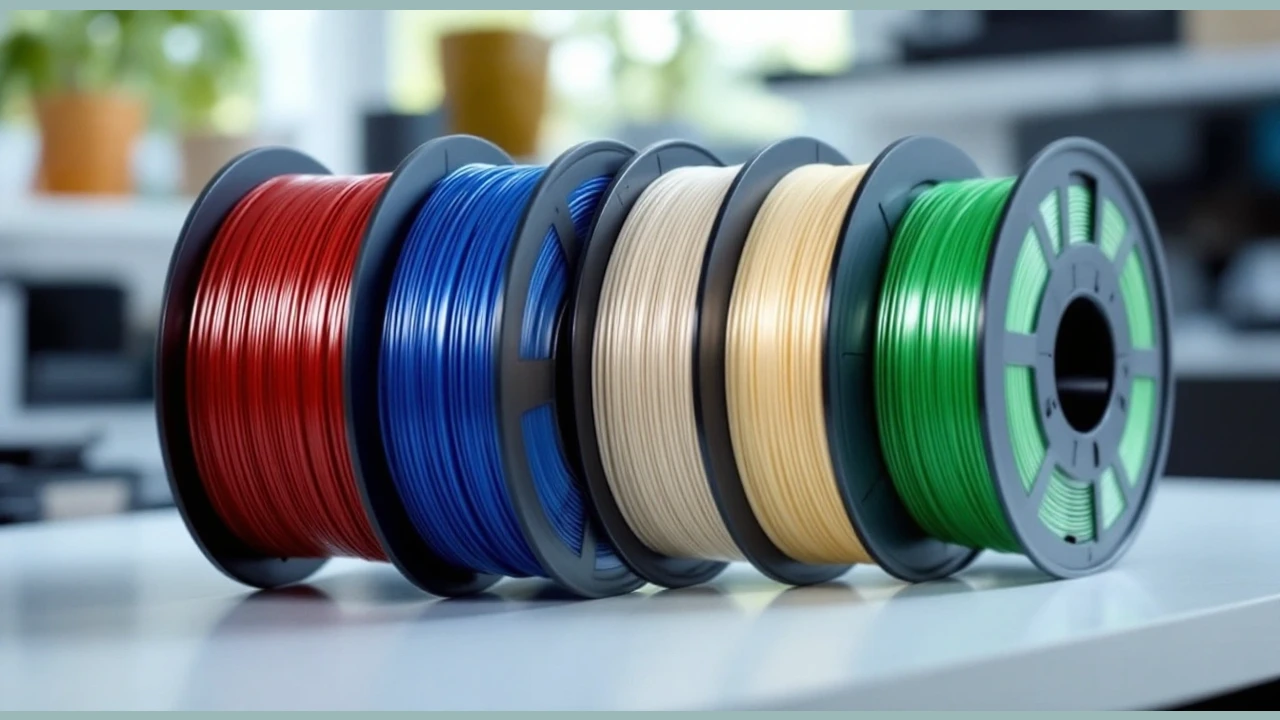
Choose a first material with a documented path for the exact machine. Check the spool and nozzle together, then check the slicer profile. Do not assume that a material name on a comparison page covers every blend or feed route. If a key requirement is unclear, read the maker's guide before choosing a spool.
Match accessories to your projects
The A1 requires AMS lite for multicolor printing, while the A1 mini bundle includes an LED Lamp Kit for compatible printed lamp models.
Keep those two goals separate. A lamp kit is a project accessory; a color-feeding choice is a different part of the buying decision. Read the included-items list rather than relying on a photo of a finished print. Check any extra parts named in the project file before you start it.
Plan the place where you will use it
Measure the desk and read the setup guide. Check the room needed for the machine in use, not just its outer dimensions. Think about spool access and the controls. Check how you will reach the bed. Put tools and removed parts somewhere you can find them during routine care.
Read the material handling guidance for the room you have. If your plan involves resin, start with the resin workflow guide rather than treating a filament pick as a resin recommendation. The process choice needs to suit the whole workspace.
Check the software and upkeep path
Find the setup instructions and slicing software before you order. Check that you can use them on your computer. Look through the normal nozzle, bed and filament steps. Decide whether you are willing to do that work when a print does not go to plan.
Find the exact model's support and replacement-part pages too. Check the seller's return terms and the maker's warranty terms separately. Do not assume that a familiar brand name settles who will handle an issue with a particular offer.
More in this guide
Verdict
Choose the A1 for automatic Z-offset and bed leveling, the A1 mini bundle for its included LED Lamp Kit, or the Adventurer 5M for CoreXY construction and detachable nozzles. The best 3D printer for beginners is the one whose documented limits match the first task and the room. Check both before you commit to the exact bundle.