Print costs
How Much Does a 3D Printer Cost?
The short answer
A printer's checkout price is only the first budget line. Add material, a suitable workspace and any required finishing equipment. Use a separate per-print estimate for running costs.
Last updated October 2026
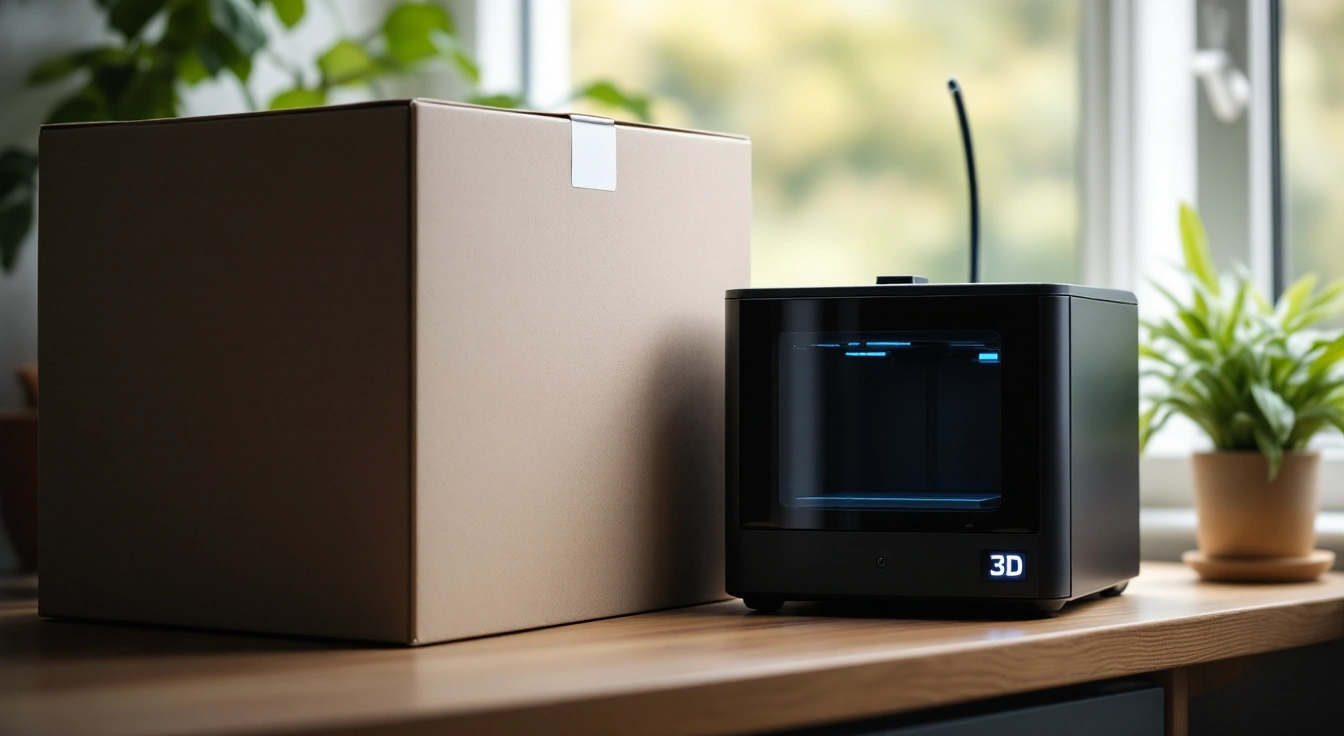
What's covered11
- How much does a 3D printer cost before supplies?
- Compare budget tiers by the task you need
- List the FDM starter supplies you actually need
- Budget for the whole resin workflow
- Check space before you buy furniture
- Estimate ongoing costs without guessing a failure rate
- Decide whether ownership fits your use
- How much does a 3D printer cost for your first task?
- More in this guide
- Frequently asked questions
- Verdict on the complete starting budget
How much does a 3D printer cost when you include everything needed to start? Separate the machine from its supplies and workspace. A printer within your purchase ceiling can still require costs outside that ceiling. This guide helps you build that complete budget without assuming every household needs the same extras.
Set a printer-only limit, then list the cost of starting your chosen process. FDM needs compatible filament and a suitable work area. Resin adds a washing and curing workflow, handling supplies and waste arrangements. Keep ongoing costs separate from the purchase. An unknown room or disposal expense belongs on the budget as unknown, never as zero.
How much does a 3D printer cost before supplies?
A price applies to one product and bundle. It might buy a bare printer or a kit you must build. The box might hold extra gear. Write down the exact model and what comes with it. Two offers with the same model name may contain different things.
This site's purchase limit applies to the exact new US printer bundle before tax and shipping. The full setup may cost more. A used unit does not pass the new-unit rule. Check the whole purchase rather than a monthly payment or a paid-membership offer.
Formlabs' printer-cost overview spans hobby through industrial equipment. That breadth is useful context, but it isn't a quote for a home setup. Our budget focuses on hobby tasks rather than suggesting an industrial process can be squeezed into a small printer budget.
Build your budget from the checkout total. Check the currency and model name. List the plates and nozzles in the box, then add freight and tax. If your task needs a color feeder, price the full kit. If you can print without it, leave it as a later choice.
A purchase worksheet
Use one line for each expense rather than a guessed all-in total:
- Printer: exact new configuration and its purchase price.
- Delivery and tax: checkout amounts for your address.
- Required startup supplies: process-specific material and tools.
- Work area: furniture plus any known electrical work. List ventilation work separately.
- Optional equipment: items you can defer without blocking the first task.
- Unknowns: costs still needing a real quote or a measured requirement.
Don't count an unknown item as an optional item just to make the sum fit. If the workspace can't accommodate the process, buying a cheaper machine won't resolve that constraint. Finish the workspace check before treating a checkout total as a usable starting budget.
Compare budget tiers by the task you need
A lower price limit leaves fewer choices. It won't tell you if a printer will do your job. First list the largest part and the plastic you need. A small machine can fit small parts well. A large project may need many glued joins on that same machine.
Our budget guides use different purchase ceilings. Those limits do not mean each guide has a suitable current choice. A lower ceiling may leave no new printer that suits a task. A toy or used machine does not fill that gap.
Write the task in plain terms: a small desk organizer, a display model, a flexible cover or a detailed miniature. Each leads to different material and process questions. Avoid paying for an advertised speed that doesn't answer the job. A maximum travel or print speed isn't an independent measurement of how quickly your file will finish.
What a larger budget might buy
Read the current manual and compare it with your needs. Check part fit and the supply of wear parts. List the steps needed before each print. A higher model number need not make your task easier. An extra feeder may add work you don't plan to do.
An auto setup feature can save a task. You still need to clean the machine and choose the right plastic. Read what the feature does in the manual. Bed leveling is not the same as nozzle cleaning. Pay for the work it saves you, rather than a claim that all prints will be easy.
Keep ownership costs beside the tier comparison. A cheaper printer with an unsuitable bed size can lead to extra joins and finishing. A different machine might occupy more space than your room permits. Neither decision can be made from the purchase figure alone.
List the FDM starter supplies you actually need
FDM melts filament and deposits it in layers. Start with the diameter and material type specified for the exact printer. A spool that fits a holder may still be unsuitable for the feed path. Check nozzle needs and the temperature range too. Read both the printer manual and the selected filament's technical guidance.
List what the printer already includes. Some packages contain tools or a small material sample; that sample may not be enough for your planned first job. Don't buy a second copy of every tool before opening the supplied inventory. Equally, don't assume a photographed accessory comes in the box.
For a basic filament workflow, your list may include a suitable spool, tools required by the manual, cleaning supplies compatible with the build surface and somewhere dry to store material. Add replacement wear parts when their need is known. Keep a dryer or spare plate as a task-based decision rather than a compulsory bundle for every beginner.
Use net material mass in the budget
The label's net filament mass is the amount of plastic sold, not the weight of the full reel or parcel. Comparing only the sticker price can hide different spool sizes. Convert to cost per gram when comparing how long the material budget will last.
Enter your actual paid cost and the net amount of filament in the worksheet. A material name alone does not define its package size or your delivered cost. The starting job is a hypothetical example. Replace its assumptions with your receipt and sliced material requirement before using the result.
Open the editable print-cost worksheet and substitute your paid material cost. Shipping can matter if you buy only one spool. Decide whether to spread that delivery fee across the materials ordered, then keep that rule consistent when comparing later purchases.
Budget for the whole resin workflow
Resin printing uses a liquid that cures under suitable light. The printed part still needs the washing and curing steps specified for that resin and printer. The machine purchase is therefore only one line in a larger process budget. Don't compare a bare resin printer with a complete filament setup as though their readiness were equal.
List the resin and how you will wash and cure it. Add handling supplies and a place to work. Read the exact resin's safety sheet before you choose gloves or cleanup gear. A low-odor claim doesn't tell you which gear will protect you.
Some resins have water-washable instructions. That describes the washing method; it doesn't mean contaminated wash water belongs down a household drain. Your disposal route and costs depend on the material and local rules. Keep the route unresolved until you confirm it, rather than assigning a zero-cost household disposal assumption.
Price equipment as a system
If the planned wash and cure equipment is separate, add both to the budget. If you plan a manual workflow allowed by the manufacturer, list its containers and other supplies. Check that the largest intended part fits the whole process, not just the printer's build area.
Resin volume and resin mass also differ. A slice reported in milliliters needs the exact material density before it can be priced against a bottle sold by mass. Don't use a filament gram calculator as a shortcut. Record the units on every line to avoid a plausible-looking but wrong total.
The NIOSH guide for makerspaces and schools is a primary reference for planning exposure controls. We use it to frame workspace questions, not to certify a printer or a room. A small equipment price doesn't settle whether a process fits your living space.
Check space before you buy furniture
The listed machine dimensions may not cover the full operating envelope. A moving bed can extend beyond the frame. The spool and feeder can need space outside the pictured cabinet. Allow room for tubing and the power cable too. Read the installation diagram for the exact model and accessories.
Measure the work surface and clearance, including access for loading material and removing a part. Check the surface's rating and the printer maker's placement instructions. Keep any required room changes separate in the cost worksheet. A photo of a printer on a narrow shelf isn't proof that your shelf is suitable.
Avoid treating a fabric tent or closed cabinet as a universal ventilation solution. An enclosure can serve a thermal or access-control purpose without proving exposure control. The right arrangement depends on what you print and the emissions it produces. Don't invent a safety badge or assume that no smell means no exposure.
Distinguish must-have from later convenience
Mark an expense required when the first planned task cannot proceed as documented without it. Mark it optional when you can defer it without changing that task. Put unresolved requirements in a third list so they cannot disappear into either category.
For example, extra colors may be optional for a plain organizer. A compatible spool is required. A room modification whose need hasn't been checked is unresolved. That simple separation is more useful than a large generic accessory bundle that leaves the room question unanswered.
Estimate ongoing costs without guessing a failure rate
After the startup purchase, each job uses material and energy. It can also use finishing supplies, wear parts and hands-on time. Keep a short record of the actual job so you can see which costs matter for your use. A desktop toy and a large multi-part costume piece won't have the same pattern.
Our per-print cost guide explains material and power costs, with optional allocation shown separately. The material equation uses the paid spool price divided by net grams, multiplied by sliced grams. The electricity equation uses measured energy and your tariff. Neither needs a claim about a printer's maximum advertised speed.
Failed attempts add costs, but they don't all fail at the same point. Log the consumed material and time rather than assuming every failure wastes a whole job. If you use an extra-material allowance before you have records, label it as an assumption. It does not measure reliability.
Separate cash and allocated ownership costs
Cash expense is what a job directly consumes. Machine allocation spreads the printer purchase over chosen productive hours. Keep the two separate so a low-use hobby estimate doesn't look like a business production quote. Your chosen hours are an accounting assumption, not a manufacturer lifespan statement.
Hands-on time is another separate choice. You may be happy to spend an evening finishing a model for yourself, yet need to charge for that time on a paid order. Record the minutes either way. That lets you compare the full workflow later without pretending unpaid time never existed.
Decide whether ownership fits your use
Before buying, count the tasks you already expect to print. Write down their dimensions and materials, then check that you can get legal files. If you don't yet have a specific project, try preparing a legal model in a slicer and inspect the workflow. That can expose a mismatch before you spend money on hardware.
Compare ownership with a real local service quote or an available supervised makerspace session when those options fit. Use your actual file and required material in the quote. A generic cost per gram from a different job won't settle the decision. Include travel, minimum charges and any design work you still need.
There is no universal print count at which a hobby printer pays for itself. The answer depends on the parts, alternative prices and how you count your time. Enjoyment can be a reason to own one, but it isn't a measured financial return. Keep that motivation separate from a claimed saving.
How much does a 3D printer cost for your first task?
Use a task sheet to stop the budget from growing without a reason. The following cases use no claimed market totals. Fill in real prices for your own address. The point is to sort each expense before you add it.
A plain desk tray
You want a small tray in one color. You have a legal file and a place for the printer. Check that the tray fits the build area, then slice it in a plain filament the maker permits. List the printer and a spool as purchases. Add any cleaning item the manual calls for.
You don't need to buy a color feeder to make a one-color tray. If the printer includes the tool used to remove a print, don't count a second one as required. If your work surface has not been checked, keep that line open. Don't write zero just because you already own a shelf.
A large display piece
You want a part larger than the chosen printer can make in one piece. Price the smaller machine only after you decide how to split the model. Each join can add glue and hands-on work. Test the fit with a small section before you commit a full spool to the build.
Compare that route with a real quote for the part made elsewhere. Add the finishing steps on both sides. A low machine price may still be the right choice if you want to learn the process, but don't call the joins and cleanup free. Keep time in the record even when you don't charge for it.
A small detailed resin figure
You want fine details on a small display model. Check the resin workflow before the printer price. Put the wash and cure steps on the sheet. Then list the handling gear and a route for used wash liquid. If your room doesn't suit that work, pause the purchase while you resolve it.
None of these cases needs a fixed accessory count. Each needs a list tied to the first task. Keep the sheet with your order so you can see what the chosen price did and didn't buy. Use the first completed job to update the next budget.
More in this guide
- Estimate one FDM print with editable inputs, a printable worksheet and a copy of your assumptions to keep.
- Understand per-print costs to separate material, energy, hands-on work and machine allocation.
Frequently asked questions
Does the purchase ceiling include supplies?
This site's printer ceiling applies to the exact new machine configuration before tax and shipping. It doesn't include the complete startup workflow. List filament or resin, workspace needs and required finishing equipment separately. A machine below the ceiling can still require a larger total starting budget.
Is a multicolor bundle cheaper than adding it later?
Compare the exact current bundle with the cost of the compatible equipment bought separately. Check every included item and the printer variant. A bundle can be useful if you need those items, but an advertised discount alone doesn't prove that the complete workflow fits your budget or tasks.
Can I ignore power because the printer is small?
Keep power in the record when you can measure it. Small equipment still uses energy, and long jobs accumulate hours. Use measured kWh and your tariff rather than a maximum watt rating. If you don't have the measurement, show electricity as unknown instead of calling it free.
Should I buy every accessory before starting?
Buy what the documented first task needs and check the supplied inventory first. Put optional convenience items on a later list. Keep unresolved workspace or handling requirements visible until checked. This avoids duplicating tools while leaving a required expense out of the starting budget.
Verdict on the complete starting budget
How much does a 3D printer cost? The useful answer is an exact machine price plus a separate, task-based startup list. Keep unknown requirements visible, price the whole process and estimate running costs from a real slice. That gives you a budget you can revise as your plans grow.
More in this guide
Our picks in this topic
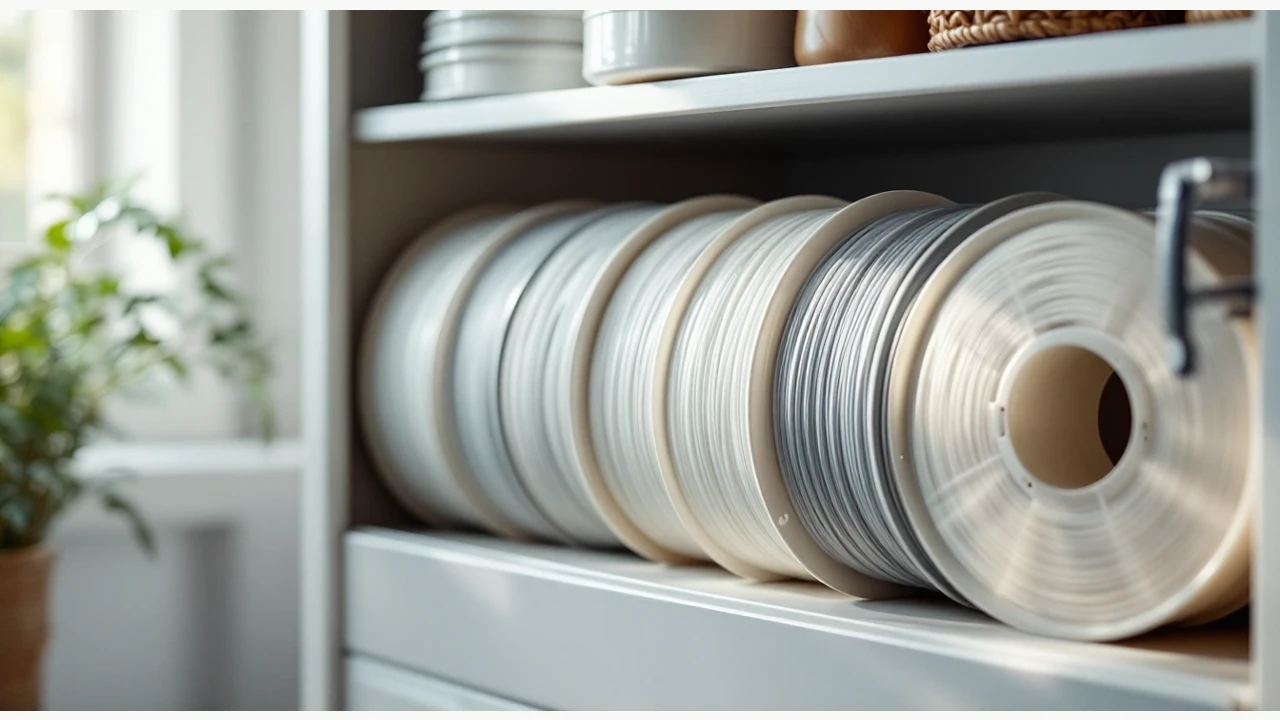
3 picks
3 spool choices for 3D printer filament cost planning in 2026
Work out filament cost from your own paid amount, net grams and total material used, with three exact spool references and the print-cost worksheet.