Printer comparisons
Resin vs Filament 3D Printer: Compare the Whole Process
The short answer
Filament often fits ordinary desk parts with a shorter post-print workflow. Resin can fit fine-detail display work when you have suitable handling, washing, curing and waste arrangements. Choose the whole process, not just the machine price.
Last updated October 2026
What's covered10
- Resin vs filament 3D printer processes
- Compare detail without relying on screen resolution
- Compare material behavior for the task
- Resin vs filament 3D printer workflow costs
- Compare the workspaces before the machines
- Compare removal and finishing work
- Choose a process from a task record
- Record which tradeoff you accepted
- Frequently asked questions
- Verdict on choosing the process
Resin vs filament 3D printer decisions should start at the finished part and work backward. A fine-detail figure and a broad open tray ask different things of a process. The room and cleanup steps matter too. The less expensive machine can be the more demanding setup once its whole workflow is counted.
Choose filament for an ordinary desk-part workflow when its documented material and surface finish meet the task. Choose resin for suitable fine-detail work only when you can manage the liquid material and post-print stages. Neither process makes every part safe or strong by default. This is a comparison of published process guidance, not a hands-on printer test.
Resin vs filament 3D printer processes
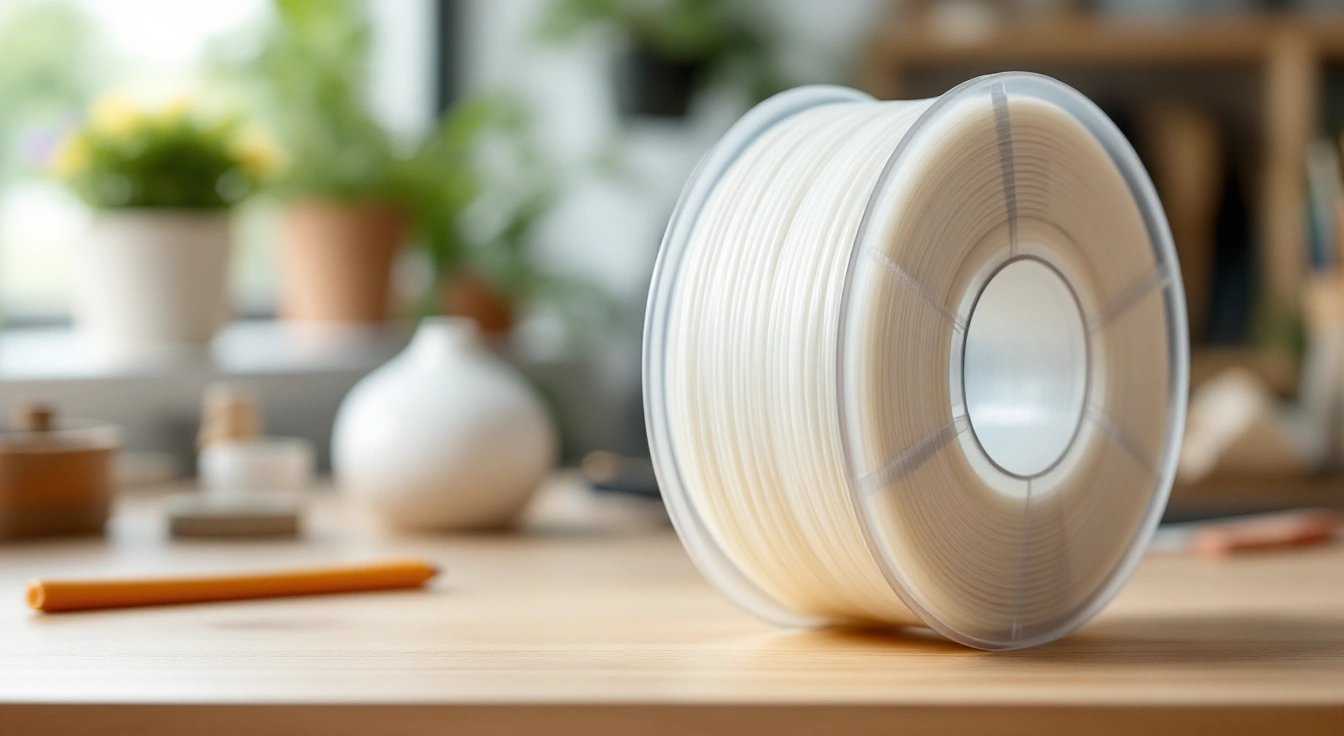
FDM or FFF places melted thermoplastic along paths in layers. The printer feeds a strand into a hotend and deposits it through a nozzle. The model's geometry and the selected profile determine those paths. Cooling and release from the plate are part of the documented workflow.
Resin printing selectively cures liquid material with light. The exact exposure method depends on the machine. Once the print comes off, residual liquid needs the wash process specified for the resin. Post-curing can be required to reach the material properties described by the maker.
The Prusa material guide is a general filament reference. Formlabs explains the resin process and its post-print stages. We read these primary references on October 15, 2026. The process differences below are workflow guidance, not claims that one unnamed machine outperforms another.
Start with the intended object
Write down the dimensions and the surface features that matter. Ask whether visible layer lines can remain, or whether you plan to fill and paint them. Note any fitting surfaces that must meet another part. These details let you inspect a sample or technical sheet with a purpose.
Don't give detail and strength one score, with size folded in too. A process that suits a small display feature may be a poor way to make a large hollow object. The exact plastic and design matter. A fine-looking surface doesn't prove that the part can withstand impact or heat.
Compare detail without relying on screen resolution
Resin is often chosen for fine-detail display work. Yet a screen's pixel count alone won't tell you how a feature prints. Check physical pixel size and the optical system. Exposure matters too. Read the machine's technical sheet and use a sample that matches your task.
Filament's nozzle and path planning constrain small features. A model can look complete in the model view but lose a thin wall in the slice. Inspect the layer preview at the smallest feature. If it disappears, printing the whole object won't restore it.
For both routes, keep a chosen setting apart from a measured result. A layer height tells the machine what step to use. It does not promise that every edge of the part will be true to size within that amount. Read each claim with its test terms. Keep those terms with the figure when you compare it.
A surface-finish decision
Suppose you need a decorative figure to paint. This hypothetical task puts fine surface detail ahead of a large build envelope. Check which areas need attachment points and how you will remove them. A surface that looks smooth in one view can still need cleanup at those points.
For a large display panel, joining and sanding may dominate the work. A filament route might fit the task even with visible layers before finishing. Judge the complete finishing plan rather than a close-up of a tiny model. Keep any measured result tied to the actual part and process used.
Compare material behavior for the task
Filament and resin each cover many plastics. Neither name tells you a single strength or heat limit. Read the exact product's sheet. Check the conditions for any published test. A family label alone won't settle whether the plastic suits your part.
The orientation and design of a printed part can affect how it behaves. A narrow neck or a thin wall can fail even if the material sounds suitable. Use the intended load direction and contact geometry when preparing the model. A practice fit is not a structural qualification.
Avoid general claims such as resin is always brittle or filament is always strong. Those statements discard the actual formulation and process. They can also hide a mismatch between a decorative material and a functional task. Keep the material and intended use together in the decision record.
Keep demanding uses outside an unverified hobby claim
A part that looks like a repair may have consequences that a display item does not. Heat, load or contact with food can require evidence beyond a printable file. An intact object alone does not supply that evidence for either process. Begin with low-consequence projects while learning.
If a maker supplies a test result, read how the sample was made. Check its wash and cure steps for resin. Check print orientation for filament. Your part may differ if you use another process. Keep those limits beside the result rather than calling the plastic fit for every use.
Resin vs filament 3D printer workflow costs
Compare a complete starting setup on each side. For filament, list the machine, compatible material and required workspace items. For resin, include the documented wash and cure arrangement with its handling supplies. List unresolved room or waste costs as unknown instead of zero.
Running expense needs the actual job. A filament slice can report grams while a resin slice may report volume. Match those units to the material's purchase basis. Use the exact resin density if you must convert volume to mass; don't assume they are equal.
Keep cash expense distinct from your time. A low raw-material total can sit beside a long cleanup stage. If your task is a batch of small parts, record shared preparation once and finishing for each usable part. Divide by the usable output, including costs from failed attempts.
A fair cost comparison
Use the same intended finished object and quality requirement. One route may need more finishing to reach that outcome. Include that work if it matters to your decision. Don't compare an unfinished filament sample with a fully prepared resin object and call the result a direct cost match.
Our startup budget guide separates machine and setup expenses. The per-print cost guide shows how to keep direct cost and optional time allocation distinct. The linked calculator is for FDM grams; it does not price a resin washing process.
Compare the workspaces before the machines
Both processes need a suitable operating space. Filament brings hot surfaces and moving mechanisms. Resin adds liquid handling and post-print steps. A machine cover does not settle the full exposure question. Read the exact maker and material guidance before choosing a room.
NIOSH's vat-photopolymerization poster addresses resin printing across the work stages. Its guidance makes clear that the cover alone need not contain emissions. Use it as a planning source, not as a certificate that a particular household setup is safe.
Keep the work away from food. Make a plan to keep each supply in a labeled container. Choose gloves and other gear from the exact safety sheet. A low-odor or water-washable label names one trait of a product. It does not tell you all the rules for safe use or replace that sheet.
Washing changes the decision
Formlabs' wash safety guidance directs users to the solvent supplier's safety sheet. A flammable wash liquid brings storage and ignition-source constraints. Follow the exact wash equipment instructions as well as the liquid's sheet. Don't improvise a heated or powered wash setup around an unknown liquid.
Waste needs a route before the first resin job. Used wash liquid and contaminated supplies are different from a clean finished display part. Follow the material sheet and local disposal requirements. Water-washable resin doesn't make the used water suitable for a household drain.
Compare removal and finishing work
For filament, follow the plate's cooling and removal directions. Some objects need print aids removed and contact marks cleaned. A flat tray and a model with many overhangs can require very different effort. Inspect the slice to see where those aids attach.
For resin, follow the documented order for washing, drying and post-curing. Attachment-point removal can depend on the material and process. Don't apply one maker's timing to a different resin because the bottles look similar. The required cure is not a universal number of minutes.
Keep finishing dust and chemicals in the plan when you sand or coat a part. A smooth-looking surface doesn't prove that a coating is appropriate for every use. Read the coating instructions and the printed material's limits. Don't turn a cosmetic finish into a safety claim.
Match post-curing to the exact resin
Formlabs' post-curing introduction ties material properties to the cure process. Its own settings are intended for the named materials and equipment. That is a useful reason to check the exact sheet, not a reason to apply those settings to every hobby resin.
When comparing two resins or processes, record the full preparation. Include the wash method and cure conditions relevant to the claimed property. If that information is missing, mark the comparison incomplete. Don't fill the gap with a confident generic strength ranking.
Choose a process from a task record
Use a short decision record rather than a blanket winner:
- Object: largest dimensions and smallest feature that matters.
- Material need: required flexibility or other documented property, with the exact formulation to check.
- Workspace: location and controls you can actually provide.
- Post-print work: permitted removal method and the finishing stages you accept.
- Starting budget: complete process equipment, with unknowns visible.
- Repeat use: likely jobs and available storage, rather than an invented payback count.
Start with filament for a plain desk part if the plastic suits the job and you have room for the setup. Resin may suit fine-detail display work when the whole wash and cure process is ready. If neither route fits your space, ask a print service to make the part. You can then judge the object before you buy a machine.
Use 3D printing for beginners to check a first file and setup. First choose the process that fits the task. Then check the exact machine. Read its current spec sheet and confirm the whole new offer fits the budget. A good process fit alone does not make a model a budget pick.
Record which tradeoff you accepted
Keep the decision short enough to use again. State the part you need and the process you chose. Write the extra work that comes with it. For a filament display panel, that might be joints and paint. For a resin figure, it includes the full wash and cure path.
Then record the limit that would make you revisit the choice. A much larger model may no longer fit the same workflow. A new resin can need another process. A room move can affect where the gear can run. The earlier decision belongs to the earlier task and space.
This record helps when someone asks why you chose one process. It also keeps a good first result from becoming a broad claim about every job. You can repeat the same checked task and learn from it, then assess a new task on its own terms.
If a required step is still unknown, leave the choice open. Don't hide it in a long list of features. A clear gap, such as no confirmed waste route, is useful information. It tells you what must be resolved before the next purchase or print.
Frequently asked questions
Is resin always more detailed than filament?
Resin often suits a display part with fine detail. The result still depends on the machine and the exact resin. A screen's pixel count alone does not prove how true to size the part will be. Check the small shapes in your file against the maker's process. We have not run a test across these printers.
Is filament safer because it is solid?
The solid feedstock doesn't remove hot-surface, moving-part or emissions questions. Read the exact printer and material instructions, then plan the workspace. Resin adds liquid-handling and post-print stages, but that difference doesn't certify a filament setup. Neither process should be judged by smell or a general safety label.
Can water-washable resin go down the drain?
Don't use that label as a disposal permission. The wash liquid can contain uncured resin. Read the exact safety sheet and follow local disposal guidance before starting. Keep used liquid in an appropriate labeled container while arranging its route. A washing method and a waste classification are different questions.
Which process costs less for one part?
Price the actual job and complete workflow. Match the same intended object and finish, then include material, measured power and known supplies. Record cleanup time separately if it matters to you. Machine purchase and optional allocation answer different questions from the direct cash expense of the next print.
Verdict on choosing the process
The resin vs filament 3D printer choice belongs to the task and workspace together. Filament is often the shorter route for plain desk parts. Resin can fit fine-detail work when its full handling process is ready. Compare the usable outcome and known costs, with the missing evidence still visible.
Back to Bambu Lab A1 3D printer reviews: a sourced buying guide in 2026